
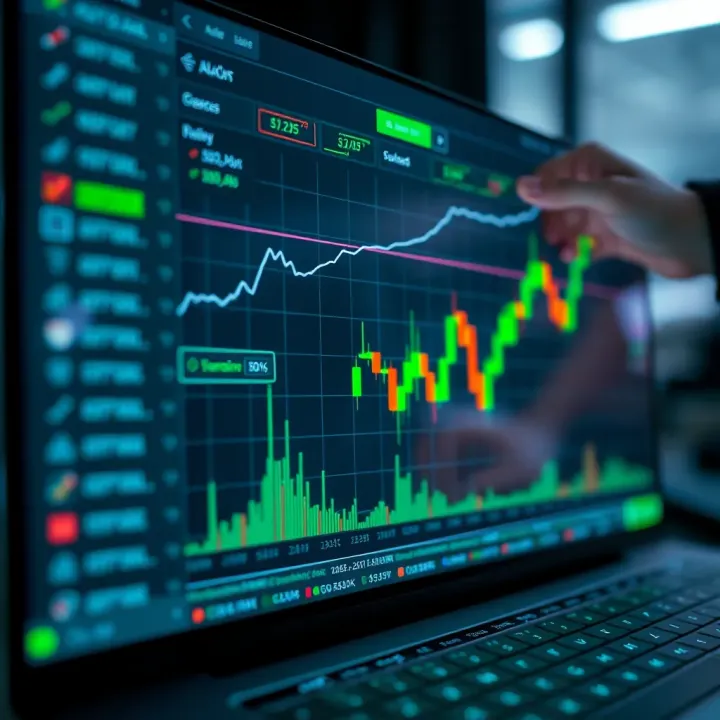
How to Use TradingView with Deriv for Better Trading
📈 Learn how to integrate TradingView charts into Deriv for smarter trading. Explore setup, customization, and tips tailored for traders in Pakistan and beyond.
Edited By
Benjamin Hughes
TradingView has become a staple tool for anyone serious about tracking market trends and analyzing financial data. Whether you're a trader trying to time the market or a broker offering insights to clients, understanding how to implement TradingView effectively can give you a real edge.
In this guide, we'll cover everything from getting started with TradingView's setup to customizing charts to suit your trading style. We'll also dig into integration options—like how to plug TradingView into your own platform—and share tips on improving user experience to make analysis smoother and faster.
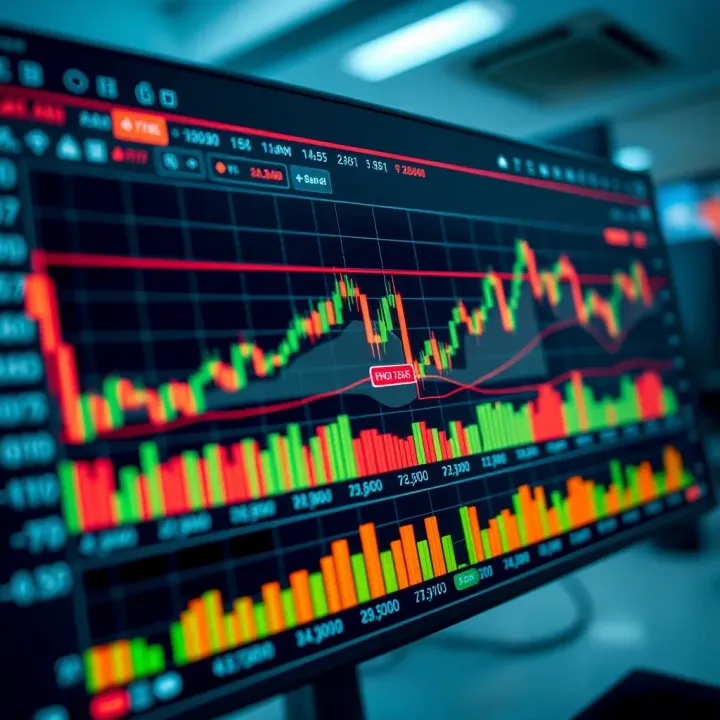
Mastering TradingView isn’t just about knowing what the charts show, but how to tailor and embed those insights where you need them. This helps you make quicker, smarter decisions backed by reliable data.
We'll talk about common hiccups you might face and best practices to avoid them, ensuring your implementation runs without a hitch. By the end, you'll have a solid understanding of how to work with TradingView as both a powerful standalone tool and as part of your trading or educational platform.
Let’s jump right in and get your financial charting set up the right way.
Getting a solid grip on TradingView at the start is key to making the most out of this guide. TradingView has grown into one of the most popular platforms for financial charting worldwide, especially among traders, brokers, and investors here in Pakistan. Its importance largely hinges on how it simplifies complex market data and makes it accessible through intuitive charts and real-time updates.
Imagine you're a trader wanting to spot patterns quickly or an analyst prepping a report — TradingView offers tools that make these tasks less of a headache. This section steps back to lay out what TradingView is all about, why its features matter, and how it shapes day-to-day trading decisions. By understanding its uses, developers and traders can better appreciate why integrating TradingView into their own platforms opens up a world of opportunity for richer data visualization and smarter trading choices.
At the heart of TradingView lie its charting tools and indicators, a lifeline for any trader. These tools include everything from simple line charts to complex candlestick formations, plus a vast library of technical indicators like Moving Averages, RSI (Relative Strength Index), MACD (Moving Average Convergence Divergence), and Bollinger Bands. Each indicator serves a different purpose, helping users to decipher market trends and make informed decisions. For instance, a trader might use Bollinger Bands to identify volatility spikes in the Pakistan Stock Exchange, giving that split-second edge to execute trades.
These tools don’t just sit there looking pretty; they update in real-time and can be customized to fit the trading style and strategy of each user. The practical upshot? You gain a powerful way to visualize price movements and volumes that are otherwise buried in endless rows of numbers.
TradingView isn’t just about charts—it's also a buzzing social hub where traders worldwide come together. Its community features allow users to publish trading ideas, share setups, and discuss market movements live, creating a supportive environment similar to a trading floor but accessible from anywhere.
This is a game changer for traders in Pakistan who may find it tricky to access diverse insights due to limited local resources. Through TradingView’s community, they can crowdsource wisdom, compare strategies, and even learn from mistakes shared by others. Doing this adds a social dimension to trading, breaking the isolation many feel when trading solo.
The ticker on TradingView is not just for show — it streams live data from exchanges globally, including local markets. Real-time data streaming means traders and brokers receive instant updates on price changes without delay, which is vital in fast-moving markets.
If you're testing software integration or setting alerts, knowing that your platform echoes data in real time without lag is crucial. This unbroken flow helps timely decision-making, which can be the difference between a profit and a loss, especially in margin-based trading here in Pakistan where every second counts.
For developers, plugging TradingView into their own applications means adding a ready-made, versatile charting engine without writing everything from scratch. This reduces development time and cost, letting teams focus on tailoring the user experience or adding unique features around the charts.
Moreover, TradingView’s APIs provide solid documentation and community support, making it simpler to troubleshoot problems or extend features. Developers can integrate a wide array of asset classes—stocks, forex, cryptocurrencies—into one platform, boosting the appeal and functionality of their apps.
End-users, primarily traders and analysts, get a polished and powerful tool immediately. They avoid the hassle of hunting for multiple data sources or complex installations. The integration ensures they have access to clean, interactive charts, customizable indicators, and even social feeds within one application.
For example, a retail investor in Karachi can track both Pakistani equities and international cryptocurrencies seamlessly, all in real time, on the same interface. This convenience often leads to better trading practices and enhances user satisfaction.
TradingView integration fits neatly into various setups. Brokers often embed it on their trading portals for quick access to charts. Financial news websites use it to display live market trends, while fintech startups build custom dashboards integrating TradingView charts to deliver personalized investment insights.
In Pakistan, this range of applications means banks, brokers, and even educational platforms can bring world-class charting tools to their users, leveling the playing field with bigger, global players. The ability to customize and brand these charts further enhances the professional look and trustworthiness of the host platform.
Understanding these fundamentals sets the stage for deeper exploration of how to effectively implement TradingView in your own environment. Each feature and benefit discussed here feeds directly into the pathways and decisions developers and traders face as they move forward with integration.
Before jumping into coding or integrating anything, getting ready for TradingView implementation is like setting the foundation for a solid building. It’s not just about having a TradingView account; there’s a whole prep phase involving accounts, tech setups, and understanding what’s required to make things run smoothly. Failing to plan here often means headaches later on — issues like API troubles or performance snags can pop up if you skip these steps.
Creating a TradingView account is the very first step. It sounds straightforward, but it’s more than just signing up. For developers and businesses looking to embed TradingView’s charts or tools into their own platforms, having an account unlocks access to essential resources. When setting up, choose the appropriate account type — personal or business — that matches your use case. For instance, a brokerage firm integrating real-time charts for customers requires a business account to access advanced features and API access.
Moving on to API subscription options and pricing, TradingView offers several plans that cater to different needs. Some plans provide access to the Charting Library, others to widgets, and some include the full suite with real-time data feeds. Costs vary widely — smaller projects can often get by with free or low-cost options, but serious trading platforms should be ready for monthly fees depending on data depth and volume. It's smart to assess your usage upfront. Say you want to feed live market data for Pakistan Stock Exchange symbols; you'll need a plan that supports custom data sources and real-time updates.
Accessing the API keys and permissions is the last step in account setup but a critical one. After subscription, TradingView assigns unique keys that authenticate your application’s requests. These keys must be handled like gold — keeping them secure to prevent unauthorized use. Depending on your subscription, you might have different permission levels — some keys allow full integration, others are limited to display-only widgets. Make sure to read the fine print and restrict keys locally, to the IP addresses or domains you control, reducing risks of leaks or misuse.
Knowing the supported programming languages and frameworks is crucial. TradingView’s charting library, for example, is primarily JavaScript-based, working best with frameworks like React or Angular. But it doesn't exclude others. If you run a Python-based backend to serve data, that’s fine — you just push the data separately while the front end relies on TradingView's JavaScript components. Many developers use Node.js for real-time data handling alongside TradingView’s client components.
Your development tools and environments also shape your project’s success. It’s common to use Visual Studio Code or WebStorm for coding, complemented by local servers like Node.js or Apache for testing. Using Git in combination with platforms like GitHub can help track your code changes and collaborate with your team. Testing locally with dummy data before integrating live data feeds is a good practice. This step avoids sending bad or incomplete data to real users.
Last but not least, security and compliance considerations can’t be ignored. TradingView integrations often deal with sensitive financial data, so protecting user information and API keys is imperative. Implement HTTPS everywhere, encrypt API keys in server environments, and adopt role-based access for your team. When working in Pakistan, remember local laws around data privacy and financial regulations—taking extra care with personally identifiable information (PII) and transaction data. If your platform alerts users to price changes or executes trades directly, compliance with SECP (Securities and Exchange Commission of Pakistan) regulations may come into play.
Skipping these preparation steps is like trying to build a house without solid ground. A proper setup prevents future downtime, security leaks, or costly redevelopment.
Preparation takes effort but makes the rest of the implementation smoother and your application reliable from day one.
TradingView charts are a powerful tool to bring financial data and advanced charting capabilities directly into your applications. The ability to embed these charts enhances how traders, brokers, and analysts interact with market data, offering real-time insights without jumping between platforms. Integrating these charts isn't just about slapping an image on a webpage; it involves choosing the right method to fit your app's needs, whether it's quick embedding or deep customization.
Such integration elevates user experience significantly by providing interactive charts that users can tweak, analyze, and use for decision-making. For example, a brokerage app can embed TradingView Widgets to let clients instantly view market trends while keeping them within the app's ecosystem. Meanwhile, financial education platforms can use the charting library for hands-on learning, letting students manipulate real data live.
When you start integrating, keep in mind your app's scale, security, and customization requirements. Smaller projects might benefit from embedding widgets via iframe, whereas large-scale platforms aiming for unique interfaces would go for the TradingView Charting Library.
Embedding TradingView Widgets through iframes is the most straightforward way to include charts on web pages or apps. It requires minimal coding and no deep integration—just insert the iframe HTML snippet where you want the chart to appear.
The iframe acts as a window to TradingView’s hosted chart, meaning it handles all updates, data streaming, and user interaction smoothly on TradingView's side. This method's big win is simplicity, letting developers quickly display charts without worrying about maintenance or data syncing.
However, the trade-off is less control over the styling and interaction elements compared to other methods. Also, embedded widgets depend on TradingView’s servers for performance, so a slow internet connection could lag loading times.
Despite the simplicity of iframes, you can tailor the chart's look and feel by tweaking widget parameters. These parameters allow you to set the default market symbol, chart type (like candlestick, bars, or line), timeframes, themes (light or dark mode), and even default indicators.
For instance, embedding a widget with symbol=BINANCE:BTCUSDT preloads the Bitcoin chart from Binance exchange, a smart move for crypto-centric apps. You might also want to set interval=60 for a 60-minute timeframe by default.
Fine-tuning these options helps align the chart closely with your platform's branding and user expectations. It’s like customizing your car before driving it off the lot—it improves user satisfaction without the hassle of building a chart from scratch.
To paint a clear picture, imagine a Pakistani brokerage platform embedding a widget showcasing the KSE-100 Index alongside major Forex pairs favored by local traders. They could do this by inserting multiple widgets with different symbols, tailored intervals, and themes matching the app’s dark mode.
Another practical example is an educational site where learners explore candlestick patterns. Embedding widgets with parameters set to display specific stocks or commodities for practice helps bridge theory and real market charts instantly.
These implementation examples show the widget’s flexibility and ease, perfect for quick wins and simple integrations.
The TradingView Charting Library offers a much deeper level of integration than widgets. This open-source library lets developers build fully interactive, high-performance charts embedded directly into their apps. It supports multiple chart types, advanced drawing tools, and even real-time alerts.
Key capabilities include:
Custom indicators creation and deployment
Multiple data feed integrations for various asset classes
Layered drawing tools for technical analysis
Responsive design for mobile and desktop devices
This library is perfect when you want to deliver a bespoke trading or analysis platform, not just basic charts.
Getting started involves downloading the Charting Library from TradingView (upon agreement to their licensing terms) and adding it to your web project. Depending on the framework—React, Angular, or vanilla JavaScript—setup steps vary but generally require:
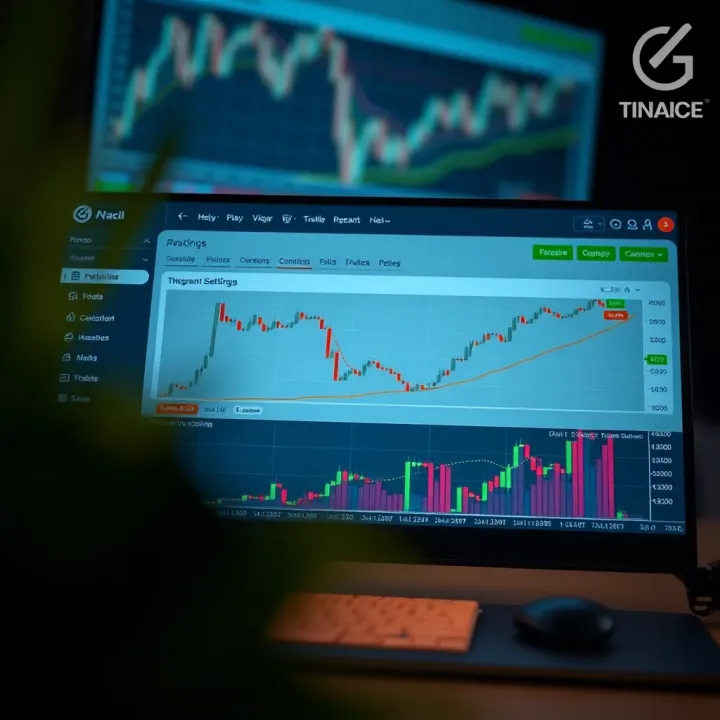
Installing dependencies (like lightweight libraries for UI)
Adding the chart container element in your HTML
Initializing the library with configuration objects detailing default symbols, themes, and toolbar options
For a typical setup, your code would specify callbacks for user interactions and handlers for incoming data. This initial step can take some time but lays a solid foundation for deep customization.
Unlike iframe widgets, the Charting Library demands you provide the market data yourself. That means your backend or a third-party data provider must push stock prices, forex rates, or crypto ticks into the library using its API.
Handling real-time updates means dealing with websocket streams or restful APIs to continuously feed fresh data. The library then redraws charts smoothly, creating an experience similar to TradingView's own platform.
A practical approach is using sources like Alpha Vantage or Binance’s API (for crypto), parsing responses, and feeding them as per the format TradingView expects.
Remember, real-time feeds require attention to latency and data accuracy. Any lag or mismatch can confuse users or lead to poor trading decisions.
In summary, integrating TradingView charts into your application can be as simple or as detailed as your project demands. Using iframe widgets gets you up and running fast, while the Charting Library opens doors to tailor-made platforms that meet sophisticated user needs.
Tailoring TradingView charts to suit user needs is more than just a cosmetic exercise. Customization and enhancements can drastically improve how traders and analysts interact with financial data, making insights clearer and workflows smoother. Whether it's tweaking the chart's look or adding unique indicators, these adjustments help the platform fit just right into the user's trading style or the broker's branding.
Custom themes and color schemes play a significant role when users spend hours staring at charts. Custom colors reduce eye strain and increase clarity. For example, switching to a darker theme with contrasting hues for bullish and bearish candles helps traders stay focused during late-night sessions common in markets like Pakistan’s PKR-FX pairs. Practically, TradingView allows developers to set custom colors through widget parameters or the charting library config, ensuring the visual style aligns with a company's branding or a user’s preferences.
Equally important are layout arrangements and toolbar settings. Traders often prefer specific tool placements for quick access, like having drawing tools or indicators ready at fingertips without shuffling through menus. Using TradingView’s API, arranging the toolbar horizontally or vertically, deciding which icons show or hide, and even resizing chart panes can make the interface more intuitive. This adaptability supports diverse workflows—day traders might want compact layouts, whereas educators presenting to audiences benefit from larger chart views with all tools visible.
At the heart of TradingView’s flexibility lies using Pine Script basics. Pine Script, TradingView’s scripting language, offers a straightforward way to create custom indicators or strategies. Beginners can write simple moving averages or RSI modifications with just a few lines, while advanced users develop complex algorithms tailored to specific market conditions, like filtering Pakistan Stock Exchange trends or Forex signals.
Moving on to deploying custom indicators, it’s about taking those Pine Scripts and making them live for users. This involves embedding the scripts into the chart environment so they update in real-time with market data. For example, a brokerage might deploy a unique indicator that flags unusual volume spikes during trading hours to alert Pakistani investors. The scripting system also allows setting parameters adjustable by users, such as changing lookback periods or thresholds without rewriting code.
Finally, managing scripts within the platform ensures smooth operations. Traders and brokers must keep track of which scripts are active, update them for compatibility with TradingView versions, and remove outdated code to avoid clutter. The platform offers script libraries and version control features, making it easier to organize scripts. For instance, maintaining a neat collection of custom RSI versions or volatility bands allows quick switching depending on market conditions.
Personalizing your TradingView charts not only improves the user experience but also provides a competitive edge by enabling tailored market analysis that suits local trading habits and preferences.
Customization and scripting give users and developers a huge toolkit to make TradingView work harmoniously with their specific needs, offering more than just off-the-shelf charting tools.
When it comes to integrating TradingView into any platform, nailing down user interaction and experience (UI/UX) is a game changer. It's not enough to just display charts; how users engage with those charts can make or break their trading experience. Smooth, intuitive controls coupled with features that feel personal boost engagement and trust. This section dives into practical ways to empower users and improve their journey through well-thought-out design.
Interactive chart tools let users explore data without feeling locked in. Think about zooming in on a stock trend or drawing trendlines directly on the chart. These tools give traders hands-on control, letting them highlight key levels or analyze price movements on their own terms. For example, TradingView offers a host of drawing tools and technical indicators that users can toggle on or off. Adding these to your platform means users don’t just watch the market—they interact with it, which sharpens their insight.
Saving user preferences is another subtle but powerful feature. Most traders like to set up their charts a certain way—be it specific indicators, color schemes, or timeframes. Allowing users to save and reload those settings means less time fiddling and more time trading. Some platforms store these preferences locally in the browser, while others hook into user accounts for cloud saving, so preferences follow users across devices. Either way, this personalization is crucial for a user-friendly design.
Alerts and notifications are the digital trader’s lifeline. Instead of staring at screens all day, traders depend on alerts for price changes, indicator signals, or news triggers. Integrating TradingView’s alert features means users can set conditions right on their charts and get notified via email, app push, or SMS. This keeps them connected to the market even when away and helps react quickly to opportunities or risks.
Optimizing load times is essential to keep users from bouncing off your platform. Heavy chart libraries and real-time data streams can slow things down, especially on slower connections common in areas of Pakistan. Techniques like lazy loading charts only when needed, compressing data, and caching static assets reduce initial load times significantly. A swift-loading chart means traders can act fast, without the frustration of lag.
Handling mobile and desktop variations means your TradingView implementation needs to feel natural whether on a big monitor or a small phone screen. Mobile-friendly controls, adaptive layout changes, and touch support help users interact comfortably on handheld devices. For example, pinch-to-zoom on charts or easily accessible toolbars improve usability without clutter. Meanwhile, desktop users benefit from more complex layouts and multiple chart views. Catering to both platforms ensures wider accessibility and a better user experience across device types.
Remember, in trading platforms, user patience is short. A clean, responsive UI with handy features keeps users returning and trusting your service.
By focusing on these user interaction elements, you’re not just embedding charts—you’re building a responsive, personal tool that traders want to rely on day after day.
Testing and debugging are essential steps when integrating TradingView into any platform. Without thorough testing, subtle errors can go unnoticed, leading to poor user experience or even system failures. Debugging helps identify and fix these issues promptly, ensuring your TradingView implementation runs smoothly and reliably. This section highlights common hiccups developers face and shares strategies to address them efficiently.
API connection errors happen when your application struggles to communicate with TradingView’s servers. These glitches can stem from expired API keys, incorrect endpoints, or network interruptions. Imagine a brokerage app where chart data just won’t load due to a simple typo in the API URL—users would quickly get frustrated. To avoid this, double-check your API keys and verify you’re using the latest endpoints TradingView provides. Additionally, be mindful of rate limits; exceeding them can temporarily disable API access.
Data synchronization issues arise when the chart doesn’t reflect the most recent market data. For example, if a trader watches the price of PSX shares, but the chart lags by several minutes, it can lead to bad decisions or missed opportunities. These problems often occur due to network delays, incorrect time settings, or problems with websocket streams. To tackle this, ensure your data feed handler respects timestamps and reconnects automatically if the feed drops. Implementing heartbeats or pings to check the connection's health can also help maintain up-to-date data.
Browser developer tools like Chrome DevTools are your best friends when debugging TradingView integrations. They let you inspect network requests to confirm if API calls succeed or fail. For instance, if the chart widget doesn’t appear, checking the Console tab may reveal JavaScript errors or blocked resources. The Network tab can show HTTP statuses, response times, and data payloads. Utilize these tools to spot issues quickly and understand where things break down.
Systematic logging is invaluable for pinpointing issues, especially when bugs don’t happen consistently. Adding clear log statements around API calls or data processing can show exactly what’s happening behind the scenes. Employing error tracking services like Sentry or Rollbar helps capture exceptions with detailed context, making it easier for developers to diagnose problems quickly. Logs can also help spot patterns in errors, such as repeated authorization failures indicating a misconfigured key.
Debugging is not just fixing errors but a vital part of ensuring a reliable, user-friendly TradingView integration.
In summary, expect some roadblocks during your TradingView implementation but use smart testing and debugging strategies to keep everything on track. Catching API connection slips and data delays early saves time and builds trust with your users. Harness browser dev tools and smart logging to gain deep insight into your app’s behavior, then fix problems before they become headaches.
When integrating TradingView into your financial platform, paying attention to security and regulatory compliance is not just good practice—it's essential. Sensitive financial data, API keys, and user information need protection against leaks and unauthorized access. Beyond tech concerns, adhering to local laws helps avoid hefty fines and keeps your operation running smoothly.
API keys act like your platform's gatekeepers. Treat them as carefully as you would your wallet. Store keys securely, ideally in environment variables or dedicated secret management tools like HashiCorp Vault or AWS Secrets Manager. Avoid hardcoding keys in your app’s source code, which can unintentionally expose them to public repositories or attackers.
For instance, a broker in Karachi accidentally pushed their TradingView API keys to GitHub, causing a security rampage. Using encrypted stores and rotating keys periodically can forestall such headaches. Also, limit key access and monitor usage to quickly spot suspicious activity.
Restricting who can see and use sensitive data within your development and operations teams is just as important. Implement role-based access control (RBAC) so only authorized staff manage API credentials or configure TradingView integrations. Combine this with multi-factor authentication (MFA) for an extra layer of defense.
Practical access control also means segregating environments—production, staging, and development—preventing unnecessary exposure. Regular audits of access logs ensure compliance and catch any policy breaches early.
In Pakistan, regulations like the Personal Data Protection Bill emphasize protecting user data from misuse. When dealing with financial charts and trading data, you’re handling personal and transactional info that must be safeguarded.
Make sure your TradingView integration complies by not storing sensitive user data unnecessarily. If you collect or process data, get user consent upfront and provide transparency about data use. This helps keep trust intact and stays on the right side of laws.
Financial regulators in Pakistan, such as the Securities and Exchange Commission of Pakistan (SECP), require platforms to follow strict rules around data handling and reporting. Your TradingView setup might need to log user activities or reporting errors accordingly.
Ensure your system keeps accurate logs and adheres to anti-money laundering (AML) and know-your-customer (KYC) requirements when integrating trading data. Ignoring this can lead to penalties and damage reputation.
Remember: Security and compliance are not a one-time task but ongoing commitments. Continuous monitoring, updating, and training are vital to keep your TradingView integration safe and legal.
By embedding solid security practices and respecting Pakistani regulations, you build not only a functional platform but also one that traders can trust with their hard-earned money.
Maintaining TradingView integrations properly is often overlooked but essential for ensuring a smooth, reliable experience for end-users. Without regular upkeep, traders might face issues like tool breakdowns, outdated data, or security vulnerabilities. Especially in fast-moving markets such as Pakistan’s financial sector, where delays or errors can cost real money, sticking to good maintenance practices keeps the platform responsive and trustworthy.
A well-maintained integration not only improves stability but also extends the lifetime of your application and protects your users' data. Instead of waiting for things to blow up, proactive maintenance identifies issues early and fixes them before they affect users. Let's explore some core elements of this process.
TradingView regularly releases updates to improve features, patch bugs, and enhance security. Staying on top of these updates means you won’t end up running outdated code that might cause unexpected failures or incompatibility with data feeds. For example, if TradingView rolls out a change in their charting library, like a new rendering method or modified API calls, missing that update could break your real-time chart display.
Set up alert systems to notify your dev team of new releases from TradingView, and regularly check their official changelogs or developer forums. Consider allocating time in your sprint schedules specifically to integrate these updates, even if they seem minor at first. This helps avoid the mountain of work that piles up when updates are ignored for too long.
Before pushing updates to your live environment, thorough testing is non-negotiable. TradingView updates might introduce changes that work perfectly in isolation but conflict with your custom scripts or backend data providers—especially if you use Pine Script-based indicators or heavily customized chart layouts.
Construct a staging environment mirroring your production setup. Run automated tests and manual checks to confirm that key functions—like chart rendering, alerts, and user settings—work flawlessly. For instance, if you have a feature that alerts Pakistani traders on currency fluctuations, verify those alerts trigger correctly after updates. Avoid releasing without this crucial step, because updating blindly can disrupt your users' workflow and erode trust.
User feedback is gold when it comes to refining TradingView integrations. Traders and analysts spot subtle bugs or usability quirks that dev teams might miss. In Pakistan, where local market needs can be unique (like specific time zones or financial instruments), user input helps tailor features effectively.
Implement simple, accessible feedback channels—like in-app popups, surveys, or direct emails. Actively encourage traders to share what’s working or not. Pay attention to recurring complaints or suggestions; if several users point out sluggish load times on mobile devices, that flags an area for improvement.
Taking user input seriously leads to continuous improvement cycles. Instead of dumping a huge update once a year, release small, incremental upgrades that fix issues or add valuable tweaks regularly. This approach keeps the platform fresh and responsive to evolving user needs.
For example, after gathering feedback about difficulty customizing chart themes, your team might roll out a quick update simplifying the theme editor UI. Monitor how the change improves user satisfaction, and plan the next increments accordingly.
Remember, integration maintenance isn’t just about keeping things running—it’s a continuous dialogue between your developers and the users who depend on your TradingView setup daily.
By following these best practices—staying updated, testing thoroughly, listening to users, and improving in short cycles—you'll build a robust, user-friendly TradingView experience that keeps Pakistani traders coming back.
Implementing TradingView in the context of a Pakistani brokerage offers a solid example of how a powerful charting and analysis tool can be tailored to meet local market needs. This case study is essential because it moves beyond theory into actionable insights, showing brokers and developers how to navigate challenges specific to their environment. By focusing on a real-world application, it highlights the tangible benefits — such as improved trader engagement and compliance with regional regulations — that can result from smart TradingView integration.
The main audience for this project consisted of retail traders and portfolio managers in Pakistan who needed reliable, real-time data representation along with advanced charting tools. They required a platform that could support Urdu and English interfaces, accommodate local trading hours, and comply with Pakistan's financial regulations.
Understanding their preferences was key: many preferred mobile access due to heavy smartphone use, while older traders favored desktop options with customizable layouts. The brokerage aimed to offer an intuitive experience without overwhelming users, ensuring the features were accessible for beginners yet powerful enough for seasoned traders.
The project aimed to boost user retention through an improved interface, reduce client churn by providing clearer market insights, and enhance trade decision-making with better charting capabilities. The brokerage also sought to streamline backend data management to cut down on latency and data inconsistencies, improving overall reliability.
Another key goal was to lay groundwork for future fintech collaborations within Pakistan by demonstrating that global tools like TradingView could integrate smoothly with local brokerage systems. Success was measured by increased daily active users, positive feedback on chart performance, and regulatory compliance achievements.
One challenge was handling intermittent internet connectivity common in some Pakistani regions, which affected real-time data streaming reliability. Another issue was API rate limiting, causing delays in fetching large datasets during peak hours.
Localization also posed difficulties — adapting the interface for Urdu text direction and incorporating local market holidays without cluttering the platform required thoughtful customization. Additionally, ensuring data privacy and secure transmission was critical, given Pakistan’s strict financial compliance rules.
To tackle connectivity issues, the team introduced a smart caching system that stored key data points locally, allowing charts to function smoothly even with unstable connections. They also implemented dynamic API call scheduling to avoid hitting rate limits, pacing requests based on traffic patterns.
For localization, bilingual support was integrated using TradingView’s customization options combined with specific CSS tweaks to handle RTL text gracefully. Market calendars were customized with local holidays and trading sessions, making the tool feel native rather than foreign.
Security was strengthened through encrypted API key storage and role-based access controls within the brokerage's infrastructure, ensuring sensitive data remained protected. Regular audits were scheduled to stay ahead of compliance requirements.
By balancing user needs with technical constraints, the brokerage was able to deliver a TradingView integration that felt both responsive and trustworthy — a win-win for users and regulators alike.
Financial charting is no longer just about plotting price points—it’s increasingly about smarter, faster, and more integrated analysis. For traders and developers in Pakistan, staying ahead means keeping an eye on emerging trends that shape how data is presented and consumed. These trends aren’t just tech buzzwords; they influence real decisions, from spotting market opportunities to optimizing trading strategies.
Key trends include improved analytical features powered by AI and more diverse data sources feeding platforms like TradingView. Understanding these shifts helps brokers, traders, and fintech developers tailor their tools to meet evolving market demands and user expectations.
Artificial intelligence is making waves in financial charting by analyzing huge data sets faster than any human can. TradingView now integrates AI-driven features such as predictive indicators, automated pattern recognition, and sentiment analysis from news and social media feeds. These tools provide traders actionable insights like potential trend reversals or volatility spikes before they become obvious.
For example, a trader using TradingView might get an alert powered by AI suggesting an emerging breakout pattern based on historical success rates. This cuts down guesswork and allows faster response times, especially in volatile markets. As a practical takeaway, developers implementing TradingView can explore APIs supporting these AI features to enhance user experience with smarter charting options.
Gone are the days when traders relied solely on price and volume data. TradingView’s ongoing push to include a wider array of data feeds—from cryptocurrencies, global commodities, social sentiment, to alternative data like satellite images or economic indicators—adds fresh context to charts.
For traders, this means a fuller picture of market dynamics. For instance, incorporating social sentiment data could warn a trader about sudden hype around a stock before substantial price moves, allowing for better risk management. Developers integrating TradingView in Pakistan should explore these expanded data options, ensuring users get the most comprehensive insights possible.
Pakistani traders and brokers are increasingly open to adopting sophisticated trading tools like TradingView, driven by better internet access and rising financial market literacy. This shift prompts local firms to upgrade platforms with features like real-time alerts, customizable indicators, and AI analytics to stay competitive.
For example, local brokers incorporating AI insights directly through TradingView interfaces can attract tech-savvy investors looking for an edge. The practicality here is clear: staying updated with these trends allows traders to avoid falling behind in an increasingly crowded marketplace.
The fintech scene in Pakistan is ripe for innovation, especially by embedding TradingView functionalities into homegrown trading or portfolio management apps. This integration can open new revenue streams by offering tailored services to local investors, such as Shariah-compliant trading filters or regional market analysis features.
Furthermore, Pakistani developers can build niche applications that combine TradingView's charting prowess with local payment systems or brokerage infrastructure. This creates a seamless user experience tailored specifically for the domestic market's needs.
To wrap it up: Embracing future trends like AI analytics and broader data inputs isn’t optional—it’s becoming essential for anyone serious about building financial tools or trading platforms here in Pakistan. These advances enable smarter decisions, faster reactions, and more personalized trading experiences.
By understanding and acting on these trends now, traders, brokers, and fintech innovators position themselves not just to catch up but to lead in the next wave of financial technology.
Wrapping up, having a clear conclusion and key takeaways section is more than just ticking a box—it's about giving readers a practical summary that ties everything together. After navigating the many details of implementing TradingView, this section helps traders, brokers, and developers quickly recall the essential points and understand the overall flow of the process. Think of it as the final pit stop, where you restock on wisdom before putting theory into action.
Planning and setup form the foundation. Without a solid plan, jumping into coding or integration can feel like running in circles. This stage involves understanding your target users, choosing the right API subscription, and setting up the environment. For example, a brokerage firm in Karachi might prioritize stable real-time data feeds over flashy chart themes because their clients need reliable decision-making tools more than bells and whistles.
Integration and customization come next. Here, you go beyond just embedding the default TradingView widget. Customizing charts with unique indicators or adapting the user interface to suit local trading habits can make a big difference. Suppose your traders often focus on volume indicators; adding a custom Pine Script for volume spike alerts could be a game changer.
Testing and maintenance often get sidelined but are pivotal. Identifying bugs like API connection drops or lagging real-time updates before going live prevents user frustration. Remember, maintenance isn’t a one-off task; it’s a habit. Regular updates to keep pace with TradingView’s platform changes ensure that your implementation remains smooth and reliable over time.
Stay updated with platform changes to avoid surprises. TradingView regularly enhances its features and APIs, often rolling out fixes or new options that can improve your system or demand quick adjustments. Subscribing to their developer newsletter or monitoring forums can keep you ahead of the curve.
Engage with the TradingView community for hands-on insights. The community is a treasure trove of real-world experience, from traders sharing how they use specific indicators to developers discussing workarounds for common challenges. Active participation facilitates learning, problem-solving, and networking, which are invaluable for sustained success.
Keeping these takeaways in mind will save you from typical pitfalls and help tailor a TradingView integration that truly serves your audience—whether they’re savvy investors in Lahore or new traders in Islamabad.
In closing, working smart through each phase—planning, integration, testing—and staying connected with the TradingView ecosystem will empower you to build a platform that’s both powerful and user-friendly. And that’s exactly what the users in Pakistan’s growing financial markets deserve.
📈 Learn how to integrate TradingView charts into Deriv for smarter trading. Explore setup, customization, and tips tailored for traders in Pakistan and beyond.
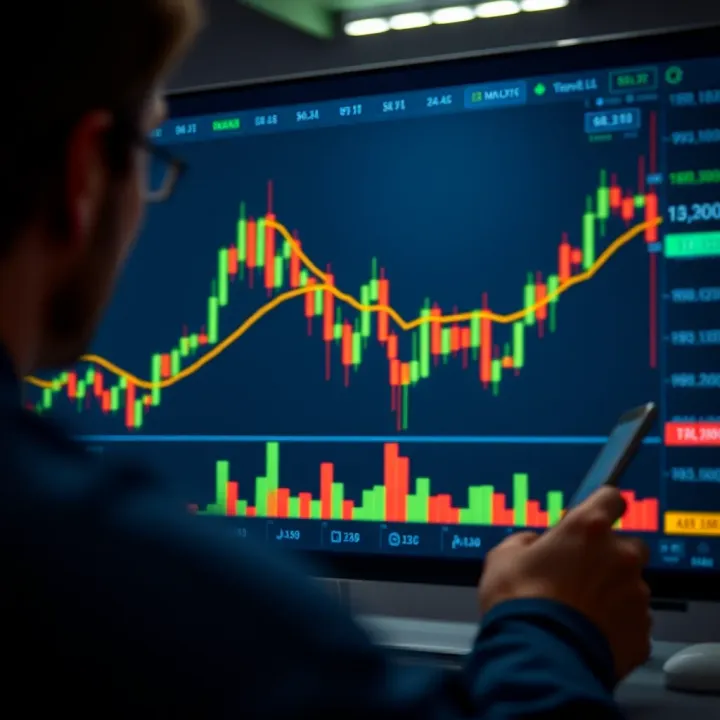
📊 Learn to master TradingView charts with tips on customization, indicators, alerts & tools for smarter trading decisions in financial markets.
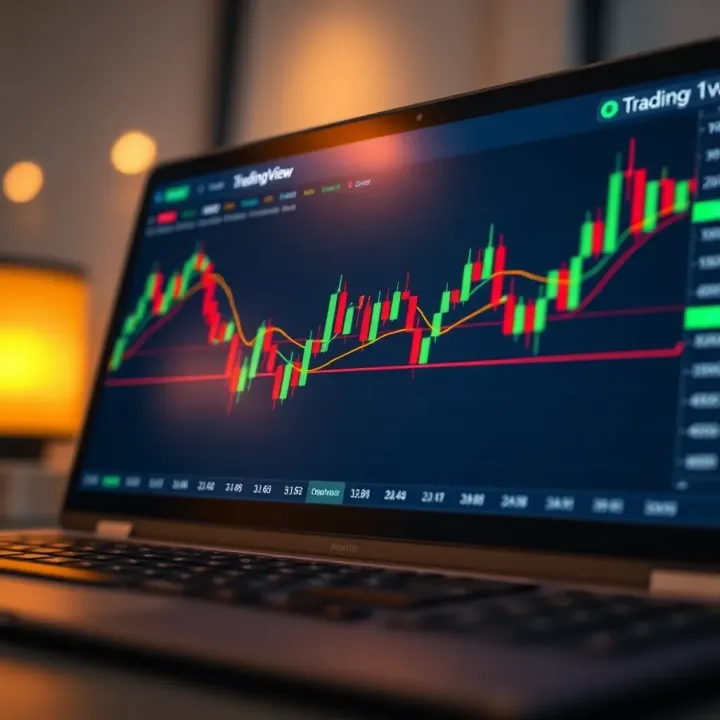
📊 Learn to master TradingView charts with this practical guide tailored for traders in Pakistan. Set up, analyze, and save your work confidently! 🇵🇰
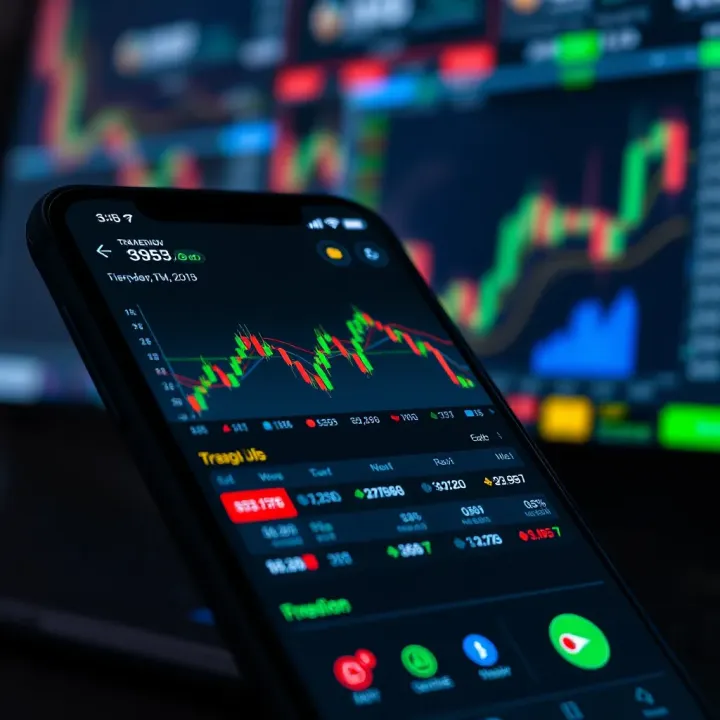
📈 Discover how TradingView live charts help Pakistan traders track markets in real time with advanced indicators, broker integration, and mobile features.
Based on 15 reviews