
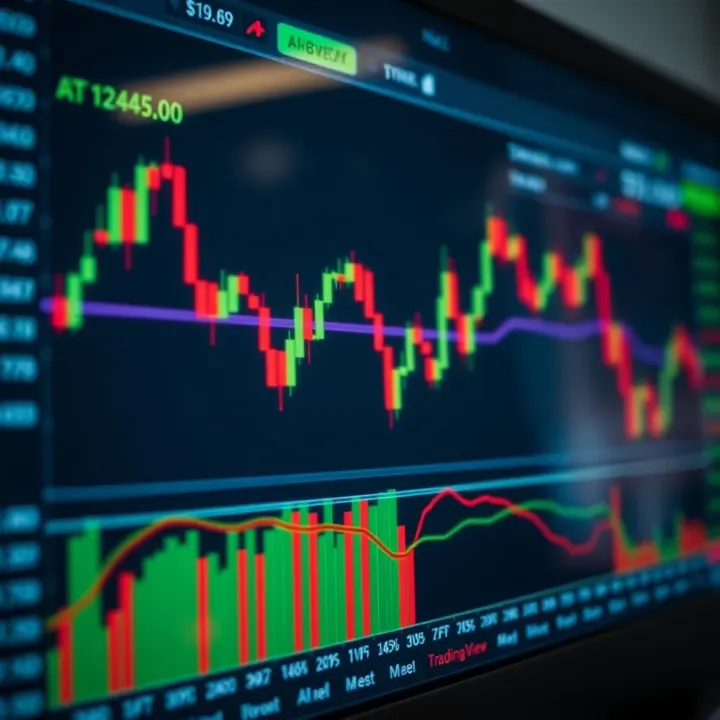
How to Use TradingView with Binary.com for Better Trades
Boost your trading in Pakistan 🇵🇰 by combining TradingView’s detailed charts 📈 with Binary.com's options. Learn how to connect, strategize, and manage risks effectively.
Edited By
Sophia Mitchell
Today’s trading world is buzzing with tools that make it easier to analyze markets and place smarter trades. Two platforms that have caught the attention of many traders, especially in Pakistan, are TradingView and Binary.com. Combining TradingView’s powerful charting features with Binary.com’s user-friendly trading platform can offer a real edge in binary options trading.
In this guide, we’ll walk through how to set up and use TradingView alongside Binary.com. We’ll break down the key indicators that really matter, explain how to link insights to actual trades, and cover risk management strategies tailored for traders in Pakistan. If you’ve ever felt overwhelmed by all the data or unsure of where to start when moving from charts to placing trades, this article is made for you.
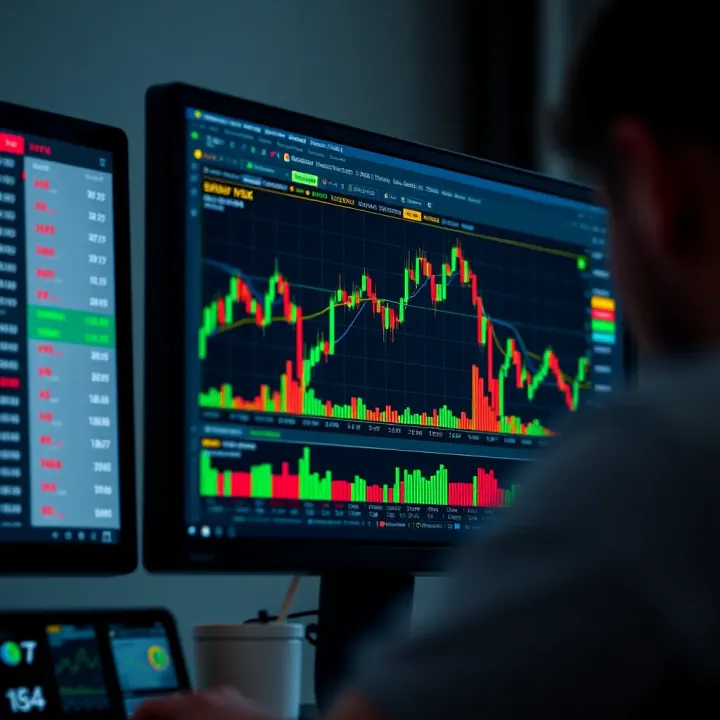
Mastering the right tools and connections can make all the difference. This guide ensures you’re not trading blind but are equipped with the right knowledge and tactics to boost your confidence and results.
Let’s dive in and explore how these platforms work hand in hand, bringing clarity and practicality to your binary trading journey.
Getting familiar with TradingView and Binary.com sets the stage for better binary options trading. These two platforms each bring their strengths to the table, and understanding them helps traders make smarter decisions. This section highlights what makes them stand out and why combining their tools can give you an edge.
TradingView is a go-to for many traders because of its slick and user-friendly charts. One of its standout features is the huge library of technical indicators, ranging from simple moving averages to complex oscillators. For example, you can plot Bollinger Bands right alongside RSI without switching screens. The platform also lets traders draw trend lines, channels, and Fibonacci retracements easily, which are essential for spotting trading opportunities.
A big plus for TradingView is its real-time data for multiple markets—stocks, forex, crypto, and more—so binary traders can keep an eye on relevant assets. Plus, the social aspect allows users to share setups and ideas, making it a great spot to learn from others.
Binary.com is known for its straightforward and reliable binary options trading interface. It specializes in simple contract types where you predict if prices go up or down within a timeframe. What’s handy is the variety of expiry times, from short bursts like 30 seconds to longer windows of hours, letting traders pick based on their strategy.
The platform also provides flexible payout rates and clear trade execution with minimal slippage—an important factor when seconds can make a difference. For traders in Pakistan, Binary.com supports convenient deposits and withdrawals through regional payment options like JazzCash and EasyPaisa, making funding hassle-free.
Bringing TradingView’s detailed charting together with Binary.com’s trading execution means you get the best of both worlds. Imagine spotting a bullish divergence on TradingView’s RSI and immediately placing a corresponding Call option on Binary.com without second-guessing market conditions.
By using TradingView, traders gain deeper market insights and more precise timing. Binary.com then offers a streamlined platform to act on those insights quickly, which is crucial when binary options demand accuracy and speed. This combo also reduces reliance on guesswork because your decisions are backed by solid analysis rather than just gut feeling.
Using TradingView with Binary.com turns complex market data into actionable trades, especially for binary options where timing and clarity matter the most.
This practical approach helps Pakistani traders navigate volatile markets with more confidence, using tools adapted to local preferences in payments and regulations. Knowing how both platforms work hand-in-hand empowers you to trade smarter, not harder.
Getting your TradingView account properly set up is the backbone of making smart binary options decisions. Unlike just casually checking charts, setting up TradingView for binary trading means tailoring the platform to spotlight the short-term movements and quick signals that binary options thrive on. This section dives into crafting a setup that helps you catch those split-second opportunities without drowning in irrelevant data.
Think of it this way: if TradingView is your trading cockpit, you want the controls and instruments arranged so you can react fast and with confidence. The focus is on clear visuals, timely indicators, and custom tools that fit the unique rhythm of binary options—where timing and precision can turn small market shifts into profitable trades.
Before you jump into charts, getting your TradingView account personalized is key. When you sign up, take advantage of the free plan first, but consider upgrading to the Pro version if you want to use multiple indicators on a chart—which can be essential for nuanced binary trading strategies.
Start by setting your default preferences such as chart type (candlestick charts provide clear visual cues), time zone (important for syncing with market hours relevant to Binary.com assets), and color themes that help reduce eye strain during long sessions.
Beyond visuals, customize your watchlist. Include assets you frequently trade on Binary.com, like EUR/USD or popular cryptocurrencies such as Bitcoin and Ethereum. This way, you don’t waste time searching for charts every time you want to trade.
Example: If you’re focusing on short expiry binary trades, setting your chart to display candlesticks on a 1-minute timeframe right after logging in can save precious seconds.
Binary options typically call for focus on shorter timeframes because trades last anywhere from a minute to maybe an hour. So, setting charts to a 1-minute, 5-minute, or 15-minute timeframe on TradingView usually works best. This zoomed-in view reveals price movements and trends critical for placing well-timed trades on Binary.com.
Choosing the right chart isn’t just about timeframe. Picking financial instruments with good liquidity and volatility is equally important. For example, EUR/USD currency pairs and major indices like the US 500 often have consistent movement patterns favorable for binary options.
Make sure to save your preferred charts layout, so whenever you log in, your binary options “workspace” opens right away without fiddling.
Indicators and drawing tools on TradingView are where the magic happens for binary traders. Using the right mix can help spot entry signals within seconds, which is vital when dealing with binary trades that often last only a few minutes.
Common indicators like Moving Averages, RSI, and Bollinger Bands are staples, but customizing their settings to suit shorter timeframes can make a big difference. For instance, adjusting the RSI to a 7-period instead of the default 14 can add sensitivity, helping spot overbought or oversold conditions quicker.
Drawing tools like trend lines and horizontal support/resistance levels help visualize key zones where price might bounce or break through—crucial hints for predicting if a binary option will finish in or out of the money.
Practical tip: Use the "Brush Tool" to mark areas on the chart after a strong price move to remember those moments when the market reacts sharply. Over time, this can help you recognize repeatable patterns faster.
Setting up your TradingView environment thoughtfully gives you a consistent edge. It’s not about cluttering the screen with every indicator under the sun but instead carefully picking tools and settings that align with the quick nature of binary trading on Binary.com.
In the next sections, we'll explore specific indicators and how to read their signals for making confident trades.
When trading binary options on Binary.com, having reliable indicators to guide your decisions is essential. TradingView offers a range of tools that help spot trends, momentum shifts, and volatility changes, all critical for timing your trades. Using the right combination of indicators lets you work smarter, not harder, by filtering out noise and focusing on setups with better odds.
Moving averages are the bread-and-butter of trend analysis. They smooth out price data to show the general direction markets are heading. For Binary.com traders, using simple moving averages (SMA) or exponential moving averages (EMA) can be a game changer. For example, a 20-period EMA crossing above a 50-period EMA typically signals an uptrend. This can prompt you to consider a higher payout "Call" option if supported by other factors.
What's useful here is that moving averages help avoid chasing random price jumps. Instead, you stay aligned with the prevailing momentum. A trader might notice that when prices bounce off the 50 EMA on a 15-minute chart, it often triggers a short-term rally—perfect for placing short expiry binary options.
The RSI is an oscillator measuring how overbought or oversold a market is, ranging from 0 to 100. Traders generally look at levels above 70 as overbought (potential reversal down) and below 30 as oversold (possible bounce up). For binary options, this gives clues about entry points where the price could turn direction soon.
Imagine the USD/JPY pair RSI falling to 28 on the 5-minute chart—this suggests the downtrend might be exhausted. Placing a "Higher" binary option with a short expiry window could capture that bounce. Just be careful; RSI should be combined with other indicators to avoid false signals, especially in trending markets where it can stay overbought or oversold for extended stretches.
Bollinger Bands expand and contract based on market volatility, wrapping price action within upper and lower bands around a moving average. When the bands squeeze tight, it often signals a period of low volatility that could be followed by a sharp move.
For instance, if you notice the Bollinger Bands contracting on the EUR/USD 1-minute chart on TradingView, you can prepare for a breakout trade on Binary.com. A sudden price move above the upper band might be a good opportunity to place a "Higher" binary option with a quick expiry, catching that burst of momentum.
Also, price touching the lower band repeatedly without breaking through might indicate support, signaling a chance to buy "Higher" binary options.
Using these indicators effectively requires practice. Always watch how they behave on your chosen timeframes and pair choices—what works on a 5-minute chart might not suit a 1-hour one.
Leveraging TradingView's indicators with Binary.com trades allows you to pinpoint potentially profitable setups while managing risks better. Remember, indicators don't guarantee wins but serve as valuable guides when combined with good trade management and market sense.

Knowing how to execute trades on Binary.com using insights from TradingView charts can make a real difference in your trading outcomes. It’s not just about picking numbers; it’s about understanding what the charts are telling you and acting on that information in a timely manner. For many traders, especially those working with limited timeframes in binary options, this integration helps in making trades that feel less like guesses and more like informed bets.
Before making any move, interpreting the signals correctly is essential. TradingView offers plenty of indicators like Moving Averages, RSI, and Bollinger Bands that give clues about market direction and momentum. For instance, if you notice the 50-day moving average crossing above the 200-day moving average on a currency pair like USD/PKR, that’s a classic bullish crossover suggesting a potential upward trend.
The key is to combine these signals rather than rely on a single indicator. A rising RSI coupled with a price touching the lower Bollinger Band could mean a reversal might be looming. Pay attention to volume as well—spikes in volume can confirm the strength of a trend or indicate exhaustion.
Remember, no signal works 100% of the time; the goal is to piece together clues for a higher probability trade.
Once you’ve interpreted the signals, it’s time to place your trades on Binary.com. Suppose your analysis shows an upward momentum in a stock or forex pair; a ‘Higher’ binary option might be your best bet. TradingView’s detailed charts help you decide the entry point.
Use the visual cues from TradingView to determine when the price is bouncing off a support level or breaking through resistance. Let’s say the EUR/USD pair has bounced twice off a support zone around 1.1000 on the chart; placing a ‘Higher’ option just after the bounce increases your chances.
Binary.com’s platform allows you to quickly input your trade amount, select expiry time, and confirm your trade. Speed is of the essence because market conditions can change rapidly.
Picking the right trade duration and strike price is almost as important as the trade itself. TradingView helps by showing you market volatility through indicators like Bollinger Bands or the Average True Range (ATR). When volatility is high, longer expiry times may give your trade room to move in the anticipated direction.
For example, if you're trading on a volatile asset like crude oil futures, and the bands on TradingView are wide, setting a strike price slightly away from the current market price with a longer expiry could help you avoid getting stopped out due to erratic price swings.
Conversely, during low volatility phases, shorter expiry times and strike prices close to the current price might be better suited to catch quick, smaller moves.
Understanding these nuances will prevent you from locking in trades with unrealistic expectations. It’s similar to picking your battles wisely rather than charging blindly.
In short, executing trades on Binary.com based on TradingView’s charts demands a mix of signal reading, swift action, and careful management of time and price parameters. Mastering these steps minimizes guesswork and increases the chances of making profitable binary options trades.
When it comes to trading binary options on Binary.com using insights from TradingView, having a clear strategy can make all the difference. Popular trading strategies act like roadmaps—they guide you on when to enter or exit trades, helping to limit wild guesses and reduce emotional decisions. In this section, we'll break down some straightforward yet effective strategies you can use, tailored to what TradingView’s powerful charting tools reveal.
Trend following is one of the oldest but still reliable ways to trade. The idea's simple: when the price moves clearly up or down over a period, you ride that wave until signs show the trend’s weakening. On TradingView, you can use moving averages—like 50-day and 200-day MAs—to spot where the market’s headed. For example, if the 50-day MA crosses above the 200-day MA (a "golden cross"), it usually signals upward momentum; vice versa for a downward trend.
In practice, if you see such signals on TradingView, you might place a CALL option on Binary.com expecting prices to continue rising. But always watch out for trend exhaustion: if the RSI starts hitting overbought levels (above 70), it’s a hint the trend might soon reverse, so tighten your trade duration accordingly.
Sometimes the best trade is betting on the price turning around. Reversal strategies zero in on moments where the market looks tired or overextended. TradingView users can spot these using tools like the RSI for momentum extremes or candlestick patterns such as hammer or shooting star.
For instance, if you notice on the EUR/USD chart a shooting star candle right at a resistance level combined with RSI above 70, it might signal a downward reversal is coming. This sets up a neat opportunity to place a PUT option on Binary.com, wagering that prices will drop briefly. The key here is quick decision-making with shorter expiry times to capitalize on swift reversals.
Markets don’t always trend up or down—they also move sideways, bouncing between support and resistance levels. Range trading works best in these calm periods. TradingView’s horizontal lines or boxes can help mark these zones clearly.
Imagine the price of Gold keeps bouncing between $1800 and $1850. Whenever it nears $1800, it’s close to support, offering a chance to place a CALL. Near $1850, it’s hitting resistance, a potential PUT opportunity. Using oscillators such as the Stochastic or RSI can confirm these entry points by highlighting oversold or overbought conditions.
Remember, no trading strategy works 100% of the time. Combining TradingView’s clear visuals with disciplined trade management on Binary.com is the real trick.
By working with these strategies—trend following, reversal trading, and range trading—you gain flexibility to trade effectively under different market conditions. Each method has its strengths and risks, so testing them on a demo account before going live can save you headaches and losses.
Using TradingView alongside Binary.com creates a powerful setup, giving you both the data and execution tools needed to refine your approach and potentially boost your binary trading success.
Risk management is more than just a buzzword in the binary options trading world—it's what keeps you in the game over time. Without a solid grip on your capital and the risks you’re taking, even the sharpest strategies could leave you empty-handed. Given the rapid pace of binary options trading on platforms like Binary.com, integrating reliable risk controls ensures you don’t blow through your funds chasing quick wins.
One of the first steps in managing risk is setting clear limits for your trading activities. Think of it as setting boundaries: decide how much you're ready to lose before you start trading and stick to that number. For example, if your trading account holds $500, a sensible approach might be to risk no more than 2-5% of your balance per trade, which translates to $10-$25 at most. This practice prevents a few bad trades from wiping out your entire portfolio.
Another practical tip is to set daily or weekly loss limits. If you hit these, it’s time to step away, no matter how tempting another trade appears. This kind of self-discipline can stop you from chasing losses—a trap many traders fall into. Binary.com offers account settings where you can monitor these metrics closely, helping to keep your spending in check.
Staying disciplined with limits is like wearing a seatbelt while driving; you hope never to need it, but it protects you when things get rough.
In traditional trading, stop loss and take profit orders are common tools to automate your risk control. Binary option platforms don’t frequently offer these features because of the fixed nature of the product, but when available through linked brokers or advanced interfaces, they can be a game changer.
A stop loss prevents you from losing more than a specific amount by automatically closing your position at that level. Similarly, take profit locks in gains by closing your trade when a target profit level is reached. When using TradingView signals with Binary.com trades, if such features are present, set them up based on realistic support and resistance levels you identify on TradingView charts. For instance, if you spot a resistance level that historically caps price rises, you might set a take profit just below that level.
Putting every dollar into a single asset hoping it’ll shoot up or down is a risky bet, especially in the volatile binary options market. Diversification is about spreading your trades across a range of assets and trade types to avoid putting all your eggs in one basket.
For practical diversification, consider trading different asset classes such as currencies, indices, and commodities on Binary.com, using chart insights from TradingView. Diversify not only by asset but also by timeframe and strategy. For example, one trade might be a quick 5-minute contract on EUR/USD following a momentum indicator, while another could be a longer 30-minute trade on the Nikkei index relying on trend analysis.
This mix reduces your exposure to one sudden market event ruining your entire day’s efforts. Diversification won’t eliminate risk completely, but it means a dip in one market can be offset by gains in another.
Effective risk management isn't a single step but a combination of practices. By setting strict limits, using stop loss and take profit tools smartly, and diversifying your trades, you create a shield against the unpredictable nature of binary options. For Pakistani traders tapping into Binary.com and TradingView, these disciplined habits can boost your chances of staying profitable in the long haul.
When Pakistani traders dive into the world of binary options using TradingView and Binary.com, understanding local technical and practical factors is essential. These considerations can make or break the trading experience, shaping how effectively one applies charts, indicators, and strategies discussed earlier in the guide.
For instance, internet connectivity in some areas of Pakistan can be inconsistent, which impacts real-time chart updates on TradingView and timely trade executions on Binary.com. Traders should consider reliable broadband providers or mobile data plans offering stable connections to avoid missing critical signals or price movements. Additionally, timezone differences influence market hours and when certain assets are more active, so synchronization with global market timings is key.
Access to global trading platforms like Binary.com and charting tools like TradingView isn’t always straightforward in Pakistan. Sometimes, restrictions or temporary blocks on specific websites can limit direct access. Pakistani traders often use VPN services to bypass these issues, but it’s important to pick reputable VPN providers to maintain security and speed.
Furthermore, mobile apps for both platforms offer a practical workaround for desktop access issues. Traders on the go or in less connected regions may find the Android or iOS apps more reliable. For example, many users report smoother performance using TradingView's mobile app with a local 4G connection compared to desktop browsers.
Dealing with deposits and withdrawals is another critical piece of the puzzle. Pakistani traders must navigate currency conversions since Binary.com generally operates in USD, EUR, or other major currencies, while local accounts are in PKR. This mismatch often means that fees and exchange rates can eat into profits silently.
Traders can use internationally accepted payment gateways like Skrill, Neteller, or even cryptocurrencies which are gaining some traction for smoother transfers. For instance, using Skrill could reduce wait times compared to traditional bank transfers, which may take several business days. However, it’s vital to keep an eye on exchange margins and withdrawal limits imposed by both the service and regulatory bodies.
Understanding the legal landscape is as important as mastering charts and indicators. In Pakistan, the legal stance on binary options trading remains somewhat gray, which means traders need to be cautious and informed. The Securities and Exchange Commission of Pakistan (SECP) doesn’t specifically regulate online binary trading platforms.
This lack of clear regulation increases the risk of dealing with unverified brokers. Pakistani traders should stick with well-known, globally recognized platforms like Binary.com that have a solid reputation for transparency and reliability. Additionally, local financial laws may affect taxation on trading profits, so consulting with a financial advisor familiar with Pakistani tax regulations helps avoid unexpected penalties.
Staying informed about these technical and legal nuances ensures Pakistani traders can focus more on strategy and less on unexpected roadblocks. Combining solid platform access, smart payment choices, and legal awareness forms the backbone of a smooth trading experience.
By keeping these factors in hand, traders in Pakistan can make better use of TradingView insights and Binary.com’s offerings, turning global opportunities into locally viable trades.
When it comes to combining TradingView with Binary.com, knowing what not to do is just as important as understanding the tools themselves. Many traders, especially beginners, stumble not because the platforms are tricky but due to avoidable errors that hamper their trading results. By identifying these common pitfalls, you can save time, protect your capital, and trade more confidently.
Relying too much on indicators without understanding the bigger picture can lead to costly decisions. Indicators like Moving Averages, RSI, or Bollinger Bands are valuable but aren’t foolproof signals on their own. For example, seeing a buy signal from an RSI might seem promising, but if the overall market sentiment or recent news points towards a downturn, that trade could quickly turn against you. Indicators work best as part of a broader strategy that takes into account price action, volume, and external factors.
In practical terms, don't click ‘buy’ or ‘sell’ just because an indicator says so. Instead, use indicators as a guide rather than a gospel. Combine them with other analyses and double-check everything before placing your trade on Binary.com.
Ignoring news and major market events is like driving blindfolded. Even the best charts won't predict sudden market movements caused by economic reports, political unrest, or major announcements. For instance, a central bank interest rate decision can send markets swinging wildly — an event that no indicator can anticipate precisely.
Pakistani traders should be especially vigilant about both local and international news because these can impact currency pairs like USD/PKR or other assets traded on Binary.com. Keeping tabs on an economic calendar or subscribing to reliable financial news sources can help you stay informed and avoid unexpected losses.
Remember, charts tell you what has happened, but news often tells you what might happen next.
One big trap traders fall into is chasing losses. Say you lose a few trades in a row; it’s tempting to pile more money hoping to recover quickly. This mindset often leads to risking bigger amounts, poor decision-making, and bigger losses. Discipline is critical: set your daily loss limits and stick to them, no matter what.
Additionally, trading without a plan or deviating from a tested strategy can cause confusion and errors. For example, switching between multiple strategies or constantly changing indicators can muddle your judgment. A clear, consistent approach makes it easier to evaluate what’s working and when to step back.
In short, patience and discipline beat impulsiveness. Practice managing your emotions to avoid these pitfalls.
Avoiding these common mistakes will improve your use of TradingView and Binary.com considerably. It’s not about perfect trades but about sensible decisions, well-informed by context, discipline, and awareness. Keeping these points in mind will help you stay on track on the path to becoming a smarter binary options trader.
When trading binary options with the combined power of TradingView and Binary.com, having the right tools and resources makes a serious difference. These elements don't just make your charts prettier; they sharpen your decision-making and help you react quicker to market changes. Whether you’re a seasoned trader or just getting your feet wet, investing time in the right add-ons and learning materials can save you from costly mistakes and improve your win rate.
TradingView’s native platform is already packed with features, but you can pump up your analysis with extra charting plugins. These plugins often bring niche indicators or custom scripts that go beyond basic tools, giving you a sharper edge. For example, plugins like "AutoTrendLine" help identify trendlines automatically, reducing the guesswork when spotting entry points. Another handy tool is "Volume Profile," which shows weighty price levels where buyers and sellers cluster — this insight is golden for timing your Binary.com trades.
Using these plugins means you can combine automated precision with your own market intuition. Just remember to test how these tools perform on different asset types before going all-in; what's perfect for forex might not suit indices or commodities as well.
One of TradingView's standout features is its vibrant community. Traders worldwide share setups, indicator scripts, and real-time analyses openly. For binary options traders, tapping into this community offers a treasure trove of practical tips and fresh perspectives.
On TradingView, you can find public chats and published ideas focused on binary options or specific assets you trade on Binary.com. Educational content ranges from simple tutorials for beginners to in-depth walkthroughs of complex indicators. For instance, some community members post signals and step-by-step guides on spoting volatility shifts using RSI combined with Bollinger Bands, ideal for making short-term binary trades.
Engaging regularly with this community helps you stay current on market trends and trading tactics — crucial when market conditions shift unexpectedly.
Life doesn’t pause for traders, so having mobile access to your TradingView charts and Binary.com account is a must. Both platforms offer solid mobile apps so you can monitor markets and place trades wherever you are.
Setting up alerts on TradingView is especially useful. You can customize alerts based on price levels, indicator signals, or drawing tool interactions. For example, you might set an alert when the 50-period moving average crosses above the 200-period moving average, signaling a potential uptrend before placing an alert on Binary.com. This keeps you in the loop without staring at the screen all day.
Mobile alerts mean you’ll catch trading opportunities the moment they arise — no more missed trades because you were stuck away from your desk.
For binary options traders in Pakistan, combining these tools and resources will make your trading both more informed and more efficient. Small advantages add up quickly in this game.
In short, by enhancing your basic TradingView and Binary.com setup with plugins, tapping into community wisdom, and staying connected through mobile alerts, you’re not just reacting to the market — you’re ready for it. This practical approach bridges the gap between raw data and smart trading decisions.
Bringing together TradingView's powerful charting tools with the Binary.com platform provides traders a solid foundation for making smarter, more calculated binary options decisions. This pairing is especially valuable because it combines real-time chart analysis, customizable indicators, and practical trade execution in one space. For traders in Pakistan or anywhere else, understanding how to integrate these tools isn’t just a nice-to-have — it’s a serious step towards better trading outcomes.
To sum things up, here’s what you should keep front and center:
Setting up TradingView right is essential. Choosing the appropriate charts, timeframes, and indicators tailored for binary options paves the way for spotting genuine market opportunities.
Key indicators like Moving Averages, RSI, and Bollinger Bands give you a clearer picture of market trends and volatility, helping you decide when to enter or exit trades on Binary.com.
Executing trades based on solid chart-based insights minimizes guesswork and emotions. Using TradingView's signals can guide you to place better timed and priced trades.
Risk management cannot be overlooked. Apply strict limits, diversify where possible, and know when to step back to protect your capital.
For Pakistani traders, understanding the legal and payment landscape ensures smoother experience and fewer surprises.
Trading is rarely about luck. By leaning on analytics and well-informed strategies, you’re stacking the odds in your favor. After setting up TradingView indicators that resonate with your trading style, spend time cross-checking signals against actual Binary.com trade results. It’s a bit like tuning a musical instrument — constant adjustment leads to harmony.
Also, don’t forget the human element. Markets react to real-world news and unexpected events, so keep tabs on economic calendars or financial news outlets suited for the Pakistani market like Business Recorder or Dawn’s business section.
Lastly, discipline is your best friend. Even the best charts can’t save traders who chase losses or ignore their limits. Take breaks if needed, and always stick to your trading plan.
Practical trading is about consistent learning and adapting. When TradingView and Binary.com work hand in hand, you get a clearer view and a better chance of success.
By focusing on these realistic, everyday steps, you’re not aiming for some impossible "perfect trade" but rather a series of better-informed, manageable trades with controlled risk. Trading with this mindset—especially using the tools discussed—can make all the difference in turning potential into profit.
Boost your trading in Pakistan 🇵🇰 by combining TradingView’s detailed charts 📈 with Binary.com's options. Learn how to connect, strategize, and manage risks effectively.

📊 Learn how to use TradingView tools to spot trends, set alerts, and make smarter binary options trades in Pakistan. Avoid common mistakes and trade with confidence!

📊 Explore TradingView’s tools, charts, and strategies tailored for binary options traders in Pakistan to enhance your trading skills and results!
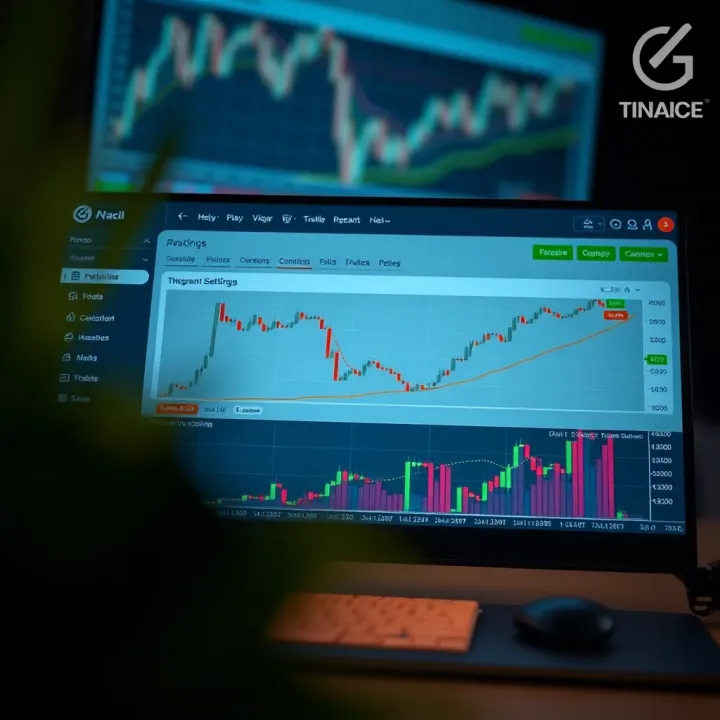
📊 Learn how to set up and customize TradingView for detailed financial charting. Tips, integration methods, and best practices for traders and developers.
Based on 15 reviews